Moving a cinematic 360° camera incorrectly doesn’t just look bad — it causes physical nausea. Keep velocity under 0.5 m/s, lock the horizon with FlowState 9-axis gyro, and keep all hardware within a 12 cm nadir zone.
Most 360° videos feel wrong before the viewer understands why.
The resolution is fine. But something feels off — the horizon tilts, the floor bounces, the viewer feels disoriented.
That’s vestibular-ocular conflict. Caused entirely by how the camera moved.
The Physics: Why Standard Camera Moves Fail in 360°
In traditional filming, camera movement is creative.
In 360 videography, it’s physiological.
Three rules that prevent nausea:
- Constant Velocity — no sudden acceleration or deceleration
- Single-Axis Trajectory — linear movement only, no rotational tilt
- Horizon Stability — vertical height locked at all times
Speed ceiling: Never exceed 0.5 m/s in interior spaces.
Minimum subject distance: 1.5 meters from any lens seam line
Rigging Options: Which Setup for Which Space
Motorized Rovers (Mantis / Kessler)
Best for luxury flats, showrooms, long hallways.
Configure torque curves to accelerate over 3 seconds — never snap into motion.
Linear Sliders
Best for kitchen counter reveals and table sweeps.
Mount flat on the floor. Max speed: 0.1 m/s.
Suspended Cable Cams
Best for large spaces — hotel lobbies, festival mandaps, factories.
Zero ground footprint. Speeds up to 1.2 m/s acceptable.
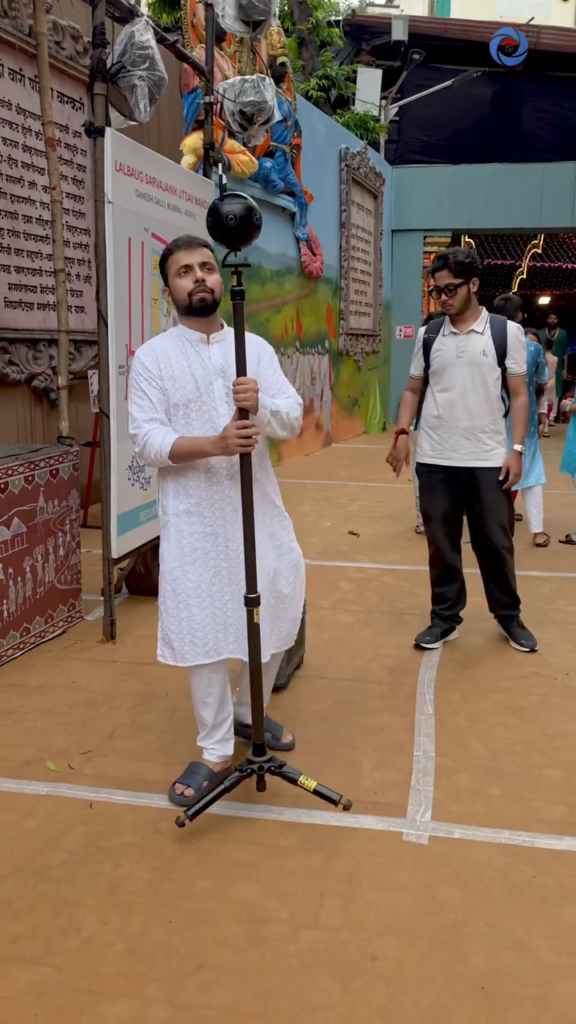
Carbon Fiber Monopod
Best for tight spaces, staircases, and live events where rovers cannot enter.
Monopod Operations: The Zero-Footprint Method
Standard tripods have 60–90 cm leg spreads.
In a 360° sphere, those legs appear in every viewer’s bottom frame.
The correct monopod setup:
- Compact weighted base under 15 cm diameter
- Add a 1.5 kg counterweight to lower the center of gravity
- Use the Ninja Walk — bent knees, elbows locked to body, heel-to-toe foot roll
FlowState & 9-Axis Gyro Calibration
FlowState combines:
- 3-axis accelerometer
- 3-axis gyroscope
- 3-axis compass
All telemetry writes to the 7th SD card metadata file.
Gyro Drift is the most common professional failure.
In environments with metallic structures or high-wattage LEDs — festival pandals, elevator shafts — the gyro drifts mid-shot.
Protocol: Perform a mandatory 10-second flat-surface gyro calibration before every scene change.
Horizon Lock:
- ✅ Enable — architectural walkthroughs, heritage buildings
- ❌ Disable — aerobatic or automotive rigs
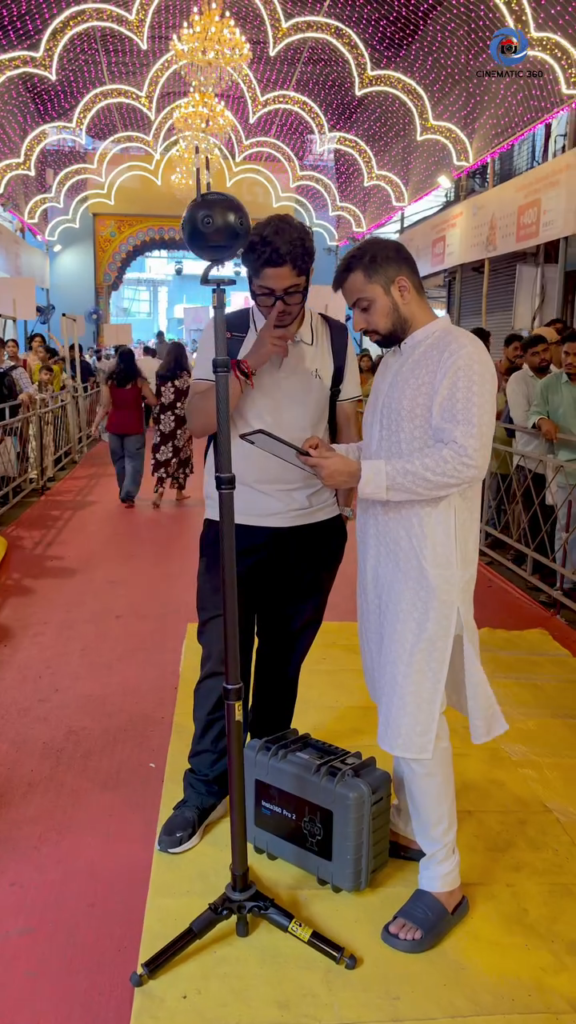
Nadir Management: Hiding the Rig
Every mount leaves a footprint at the bottom of the sphere.
The 12 cm Safe Cylinder Rule:
Keep all hardware - cables, antennas, batteries - within a 12 cm cylinder directly beneath the camera base.
Two patching workflows:
- In-camera logo patch – fast turnaround for web delivery
- 16-bit TIFF clean plate in After Effects – for cinema and reflective floor deliverables
Field Notes: Lalbaug Ganesh Festival, Mumbai
One of the most demanding 360 videography productions we have completed.
Active crowds. Large metallic structures. High-wattage LED grids. Reflective painted ground surfaces.
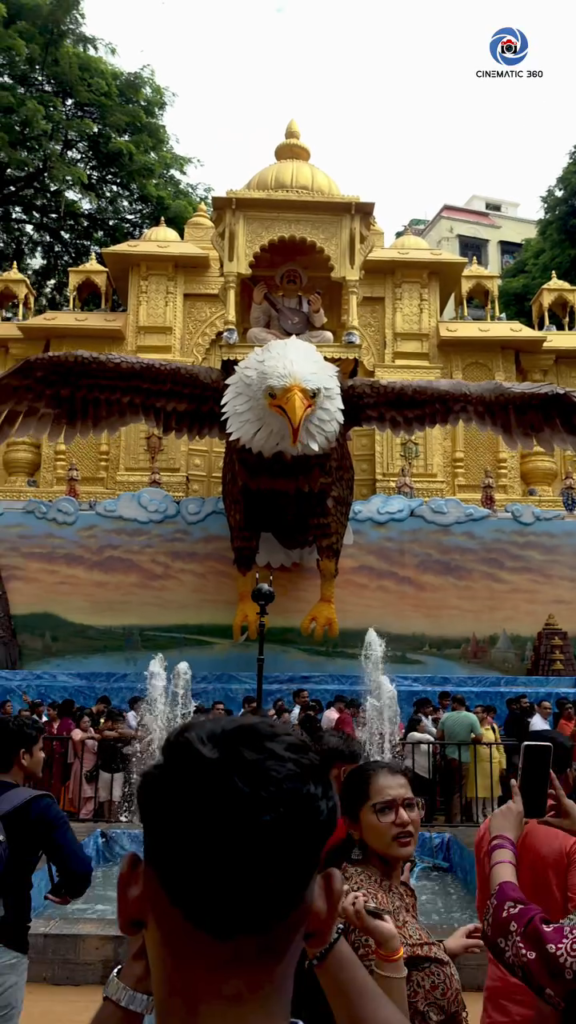
Challenge 1 – Active Crowd:
Moving subjects within 1 meter of any lens create stitch ghosting. We identified 3-second windows between crowd movements and triggered each take during those windows via FarSight live preview.
Challenge 2 – LED Interference:
The festival LED grid created electromagnetic interference affecting gyro telemetry. We recalibrated before every scene transition.
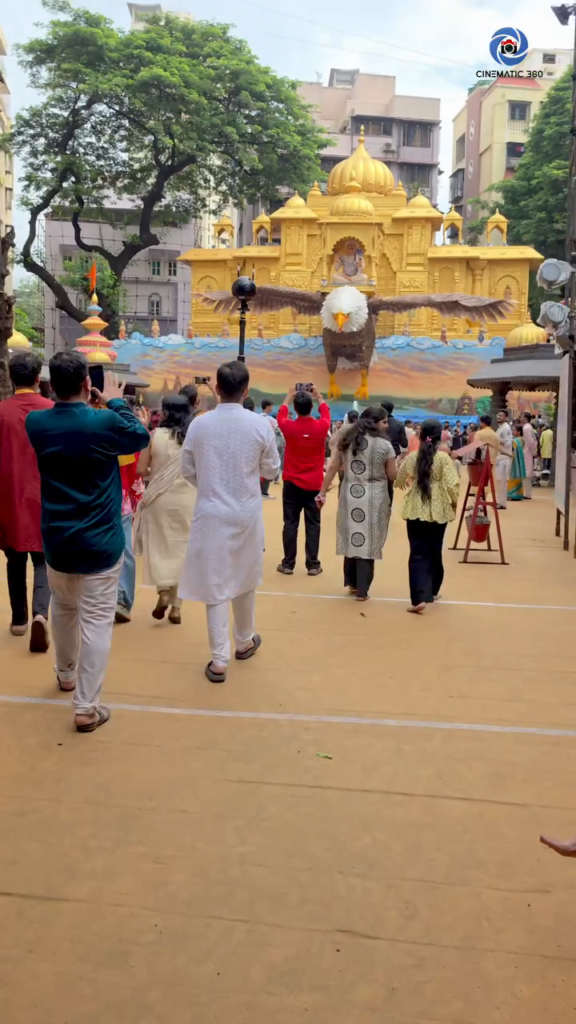
Challenge 3 – Reflective Ground:
Switched to the ultra-slim monopod with counterweight base to keep the nadir footprint within the 12 cm clean-patch zone.
Pre-Shot Checklist
- Gyro calibrated on flat surface
- All hardware within 12 cm nadir cylinder
- Camera path clear – no obstacles within 1.2 meters
- Vibration isolators installed
- Speed locked to 0.5 m/s maximum
- FarSight live preview confirmed
- Clean plate captured for nadir patching
All 6 MicroSD cards V30/U3 formatted
Final Takeaway
Watch the final production: Lalbaug Ganesh Festival VR Experience
The difference between 360 videography that works and footage that doesn’t is almost never the camera.
It’s the operator’s understanding of how movement affects the viewer’s body.
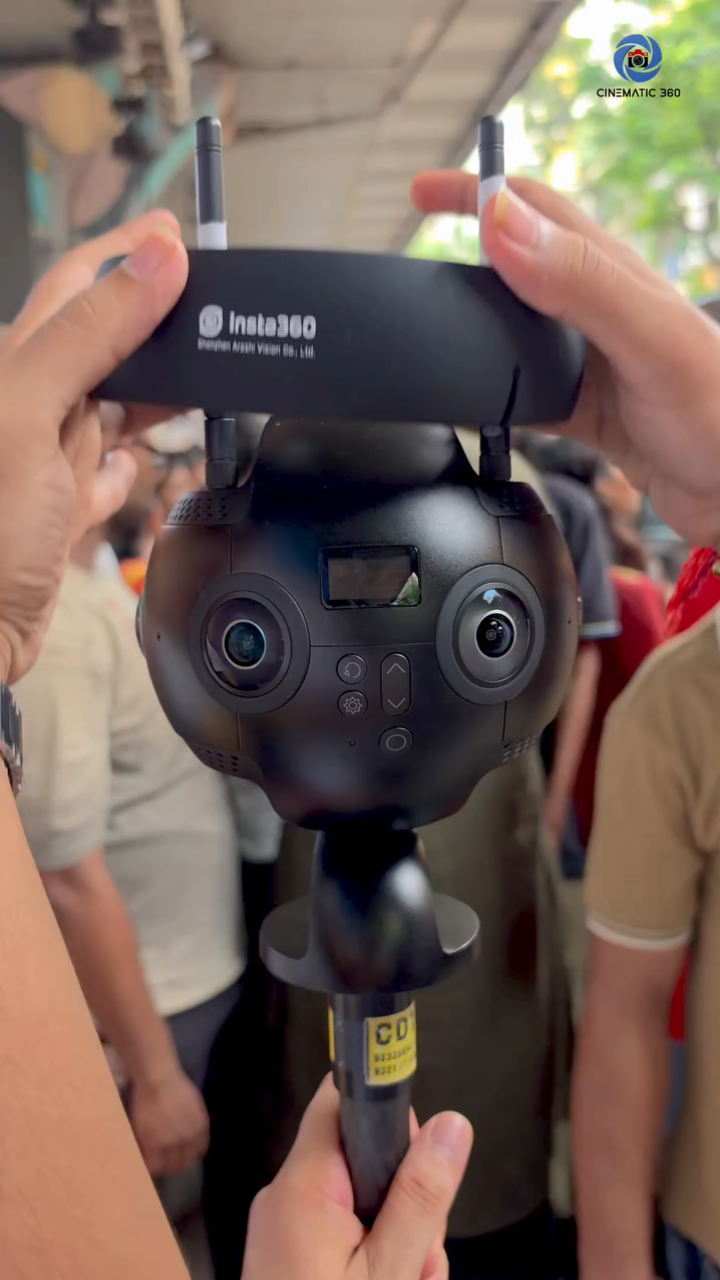
Cinematic360 produces professional 360-degree virtual tours, Insta360 Pro 2 VR productions, Matterport 3D tours, and drone photography for real estate, heritage, luxury brands, and live events across Mumbai.
Book a 360° VR Production Consultation with Cinematic360
FAQ
How do you move a 360° camera without motion sickness?
Maintain constant velocity below 0.5 m/s on a single axis. Never accelerate suddenly. Keep the horizon locked with FlowState. Slow, linear, and smooth is the only safe approach for VR viewers.
What is FlowState stabilization?
FlowState combines optical flow stitching with 9-axis IMU tracking to lock roll and pitch while keeping yaw fluid. It handles macro movements – not high-frequency micro-vibrations, which need hardware isolators.
How do I hide a tripod in 360° video?
Use a slim monopod with a base under 15 cm. Keep all hardware within a 12 cm nadir cylinder. Patch remaining footprint using Insta360’s logo patch for web, or a clean-plate composite in After Effects for cinema delivery.
Can you shoot 360° videography at live events?
Yes – with specific techniques. Use a slim monopod, monitor crowd flow to find clean windows, maintain 1.5 meters from lens seam lines, and recalibrate the gyro frequently when large metallic structures or LED grids are present.

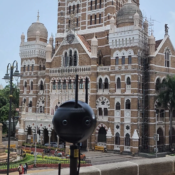
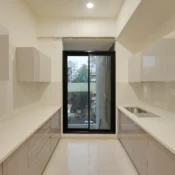
[…] Our CSMT BTS footage shows one of the practical sides of 360° movement. […]